User Interface
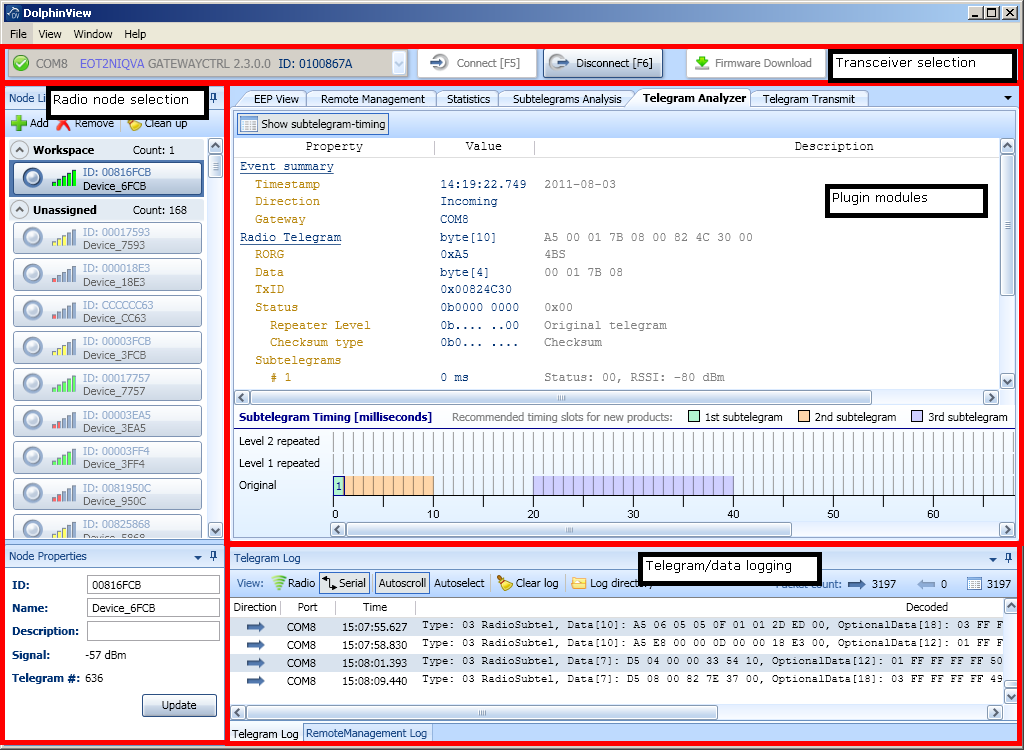
DolphinView user interface consists of four basic parts.
- Transceiver selection
- Used for establishing a connection via selected transceiver (for further information see How To Connect).
- Radio node selection
- Select one of the radio nodes from Node List and do necessary operation connected to the radio node.
- Plugin modules
- Modules are widely used for analyzing telegrams and communication, interpretation of received data, visualization of statistics and configuration of connected module.
- Telegram/data logging
- Received telegrams are logged and the log can be used for later analysis (see Telegram Log, Remote Management Log).
Main menu
Use main manu to save your workspace (telegram log, nodes in workspace etc.).
Also take a look at Load/Save XML Session Settings
Change Layout
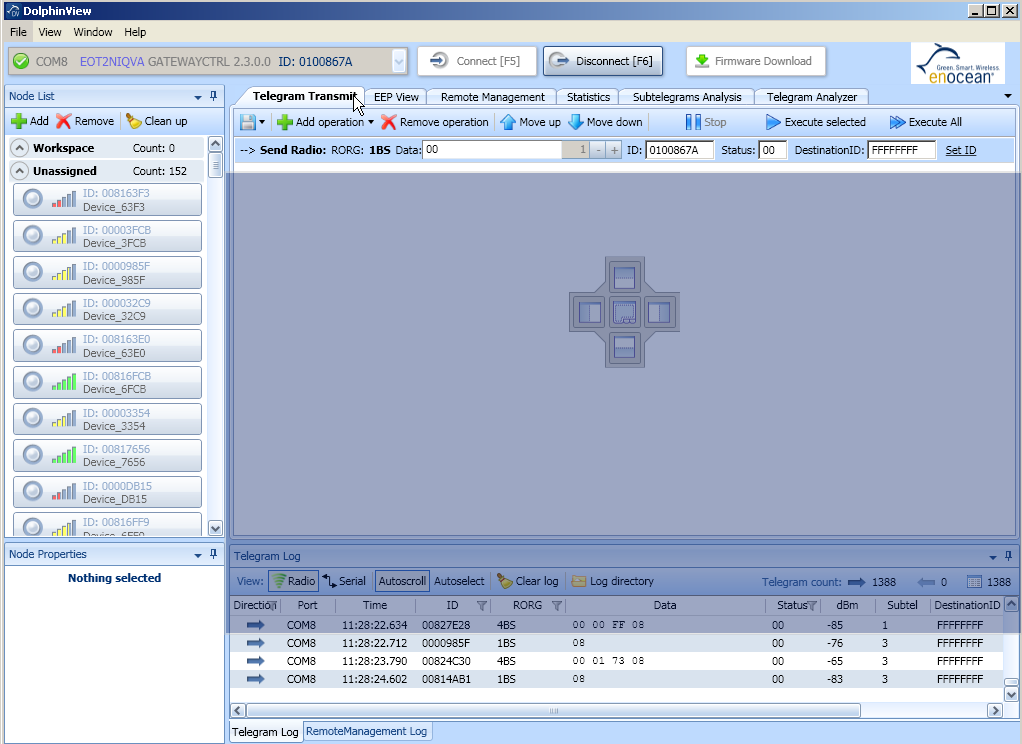
Layout of DolphinView windows can be easily changed.
- 1. Drag window
- 2. Layout manager will appear
- 3. Drop window into Layout manager
Drag e.g. Telegram Transmit tab. Layout manager will appear in the middle of module part and easily drop the tab into necessary area.
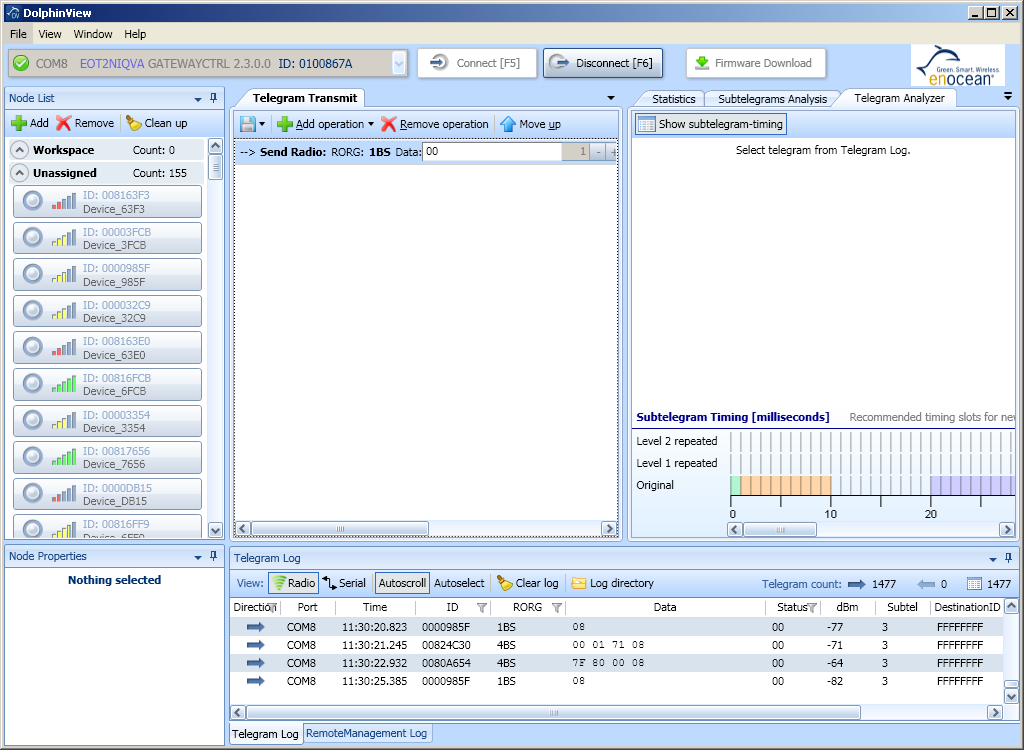
Layout will be changed.
 DolphinView User Manual. © 2014 EnOcean GmbH